Last mod: 2026.02.16
Kubernetes on Ubuntu
1. Prerequisites
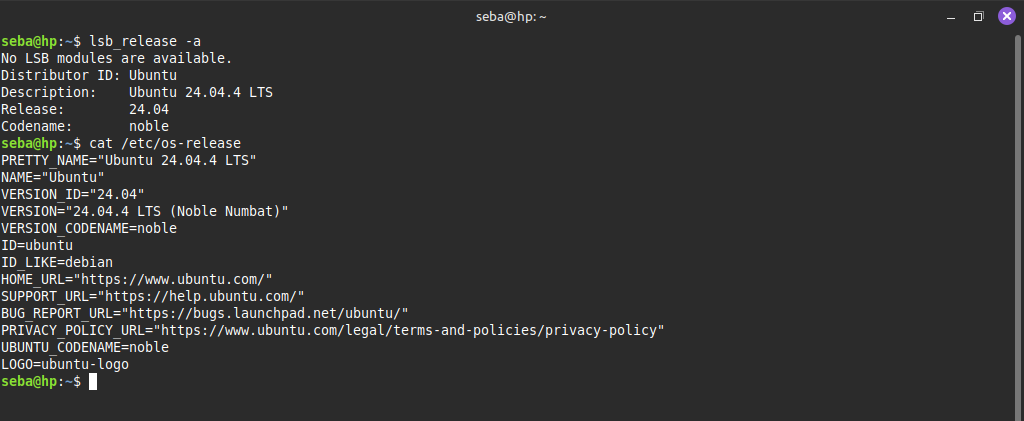
The installation description is based on Ubuntu Server 24.04.4 LTS (Noble Numbat) distribution:
2. Prepare system
For Kubernetes to work correctly, we must disable SWAP. To do this, comment out the line in /etc/fstab file:
/swap.img none swap sw 0 0
Then restart your computer:
sudo reeboot now
and check the SWAP status:
free -h

3. Container runtime installation
Kubernetes requires a runtime environment for containers. Currently, containerd is the standard.
Enable the required kernel modules:
cat <<EOF | sudo tee /etc/modules-load.d/k8s.conf
overlay
br_netfilter
EOF
sudo modprobe overlay
sudo modprobe br_netfilter
Configure network parameters:
cat <<EOF | sudo tee /etc/sysctl.d/k8s.conf
net.bridge.bridge-nf-call-iptables  = 1
net.bridge.bridge-nf-call-ip6tables = 1
net.ipv4.ip_forward                 = 1
EOF
sudo sysctl --system
Install Containerd:
sudo apt-get update
sudo apt-get install -y containerd
Configure Containerd for Systemd:
sudo mkdir -p /etc/containerd
containerd config default | sudo tee /etc/containerd/config.toml > /dev/null
sudo sed -i 's/SystemdCgroup = false/SystemdCgroup = true/g' /etc/containerd/config.toml
sudo systemctl restart containerd
4. Kubeadm, Kubelet, and Kubectl installation
Add keys and repository:
sudo apt-get update && sudo apt-get install -y apt-transport-https ca-certificates curl gpg
curl -fsSL https://pkgs.k8s.io/core:/stable:/v1.29/deb/Release.key | sudo gpg --dearmor -o /etc/apt/keyrings/kubernetes-apt-keyring.gpg
echo 'deb [signed-by=/etc/apt/keyrings/kubernetes-apt-keyring.gpg] https://pkgs.k8s.io/core:/stable:/v1.29/deb/ /' | sudo tee /etc/apt/sources.list.d/kubernetes.list
Installing packages:
sudo apt-get update
sudo apt-get install -y kubelet kubeadm kubectl
sudo apt-mark hold kubelet kubeadm kubectl
5. Main node configuration
Cluster initialisation (Master Node only):
sudo kubeadm init --pod-network-cidr=10.244.0.0/16
Access configuration as a regular user:
mkdir -p $HOME/.kube
sudo cp -i /etc/kubernetes/admin.conf $HOME/.kube/config
sudo chown $(id -u):$(id -g) $HOME/.kube/config
Pod Network installation Without this, containers will not be able to communicate with each other. The most popular choices are Flannel or Calico.
kubectl apply -f https://github.com/flannel-io/flannel/releases/latest/download/kube-flannel.yml
6. Kubernetes test
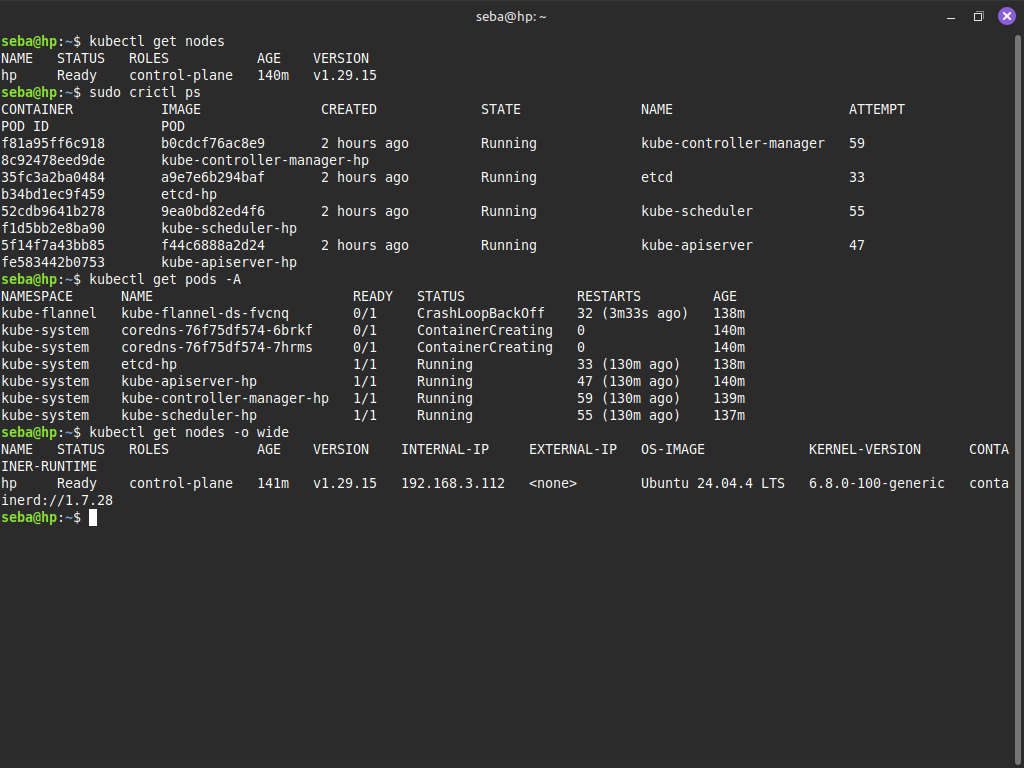
Let us display the list of nodes (machines) in the Kubernetes cluster along with their current status.
kubectl get nodes
Let us display the list of currently running containers managed by the runtime:
sudo crictl ps
To remove any errors from ‘sudo crictl ps’, you can run:
sudo crictl config --set runtime-endpoint=unix:///run/containerd/containerd.sock
List of all pods in all namespaces in the Kubernetes cluster, along with their current status (e.g. Running, Pending, CrashLoopBackOff):
kubectl get pods -A
Listing machines seen by the cluster:
kubectl get nodes -o wide
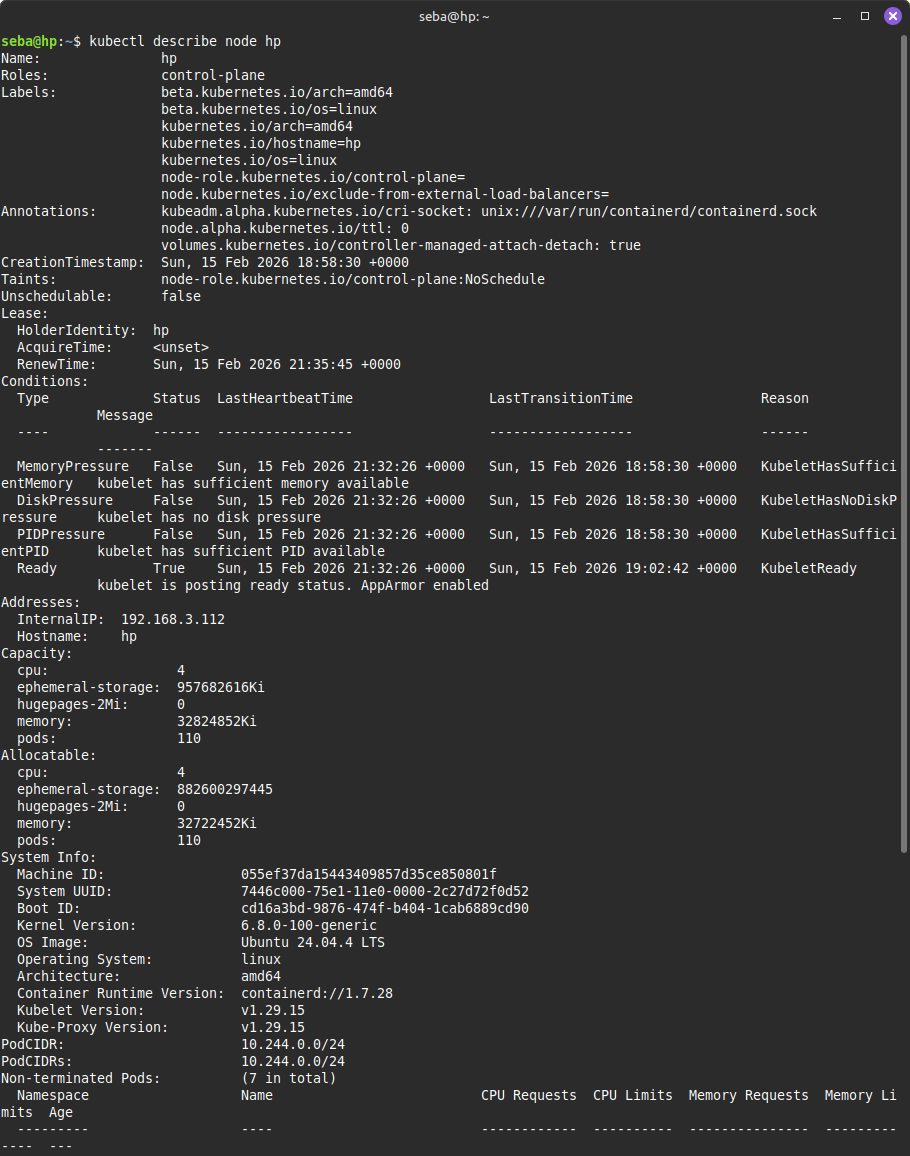
Detailed information about resources (including CPU and RAM) for the selected node:
kubectl describe node [NODE_NAME]
7. Additional nodes
To add additional nodes, repeat steps 1-4 on subsequent servers.
Then, on the main node, run the command:
kubeadm token create --print-join-command
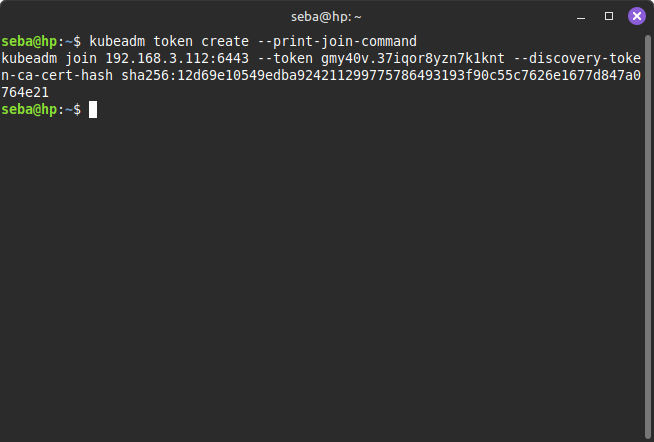
Paste the command received with the token into the node console and run (with sudo):
sudo kubeadm join [ADDRESS_MAIN_NODE]:[PORT] --token [TOKEN]
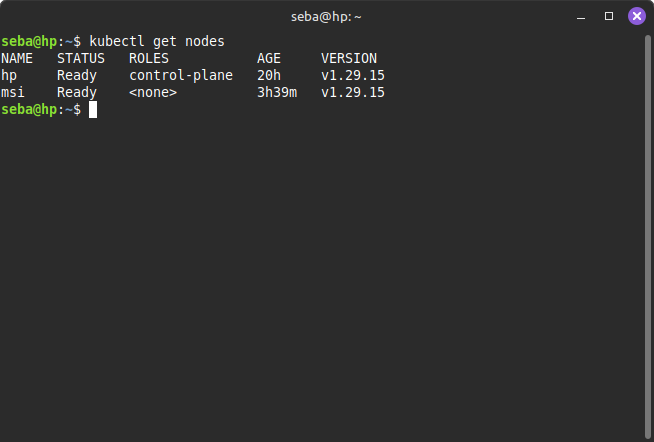
Now we can check if the new node has appeared on the list:
kubectl get nodes
Starting a new node may take a few minutes.
8. Remote connect to Kubernetes
Below is a description of how to connect from a workstation to the local Kubernetes main node.
We need to install the kubectl client. On Ubuntu and Mint, we can do this with a command:
sudo snap install kubectl --classic
Checking the client version:
kubectl version --client
Create a local directory:
mkdir -p ~/.kube
Copy the file /etc/kubernetes/admin.conf from the main Kubernetes node to your ~/.kube/config file.
scp USERNAME@MAIN_NODE_HOST:/etc/kubernetes/admin.conf ~/.kube/config
chmod 600 ~/.kube/config
Check file. If you have values 127.0.0.1 change to IP main node.
Let's call from the workstation:
kubectl get nodes
If everything went well, we will see a list of nodes,